Next.js 16 in Content SDK: Use proxy.ts, not middleware.ts
Learn why Content SDK 2.x on Next.js 16 swaps middleware.ts for proxy.ts, why keeping both hard-fails your build, and where your custom gate logic goes now.

I upgraded a Sitecore head app to Content SDK 2.x on Next.js 16 and the build stopped dead. Not a deprecation warning I could ignore for a sprint, an actual hard failure. The cause turned out to be a single leftover file: src/middleware.ts.
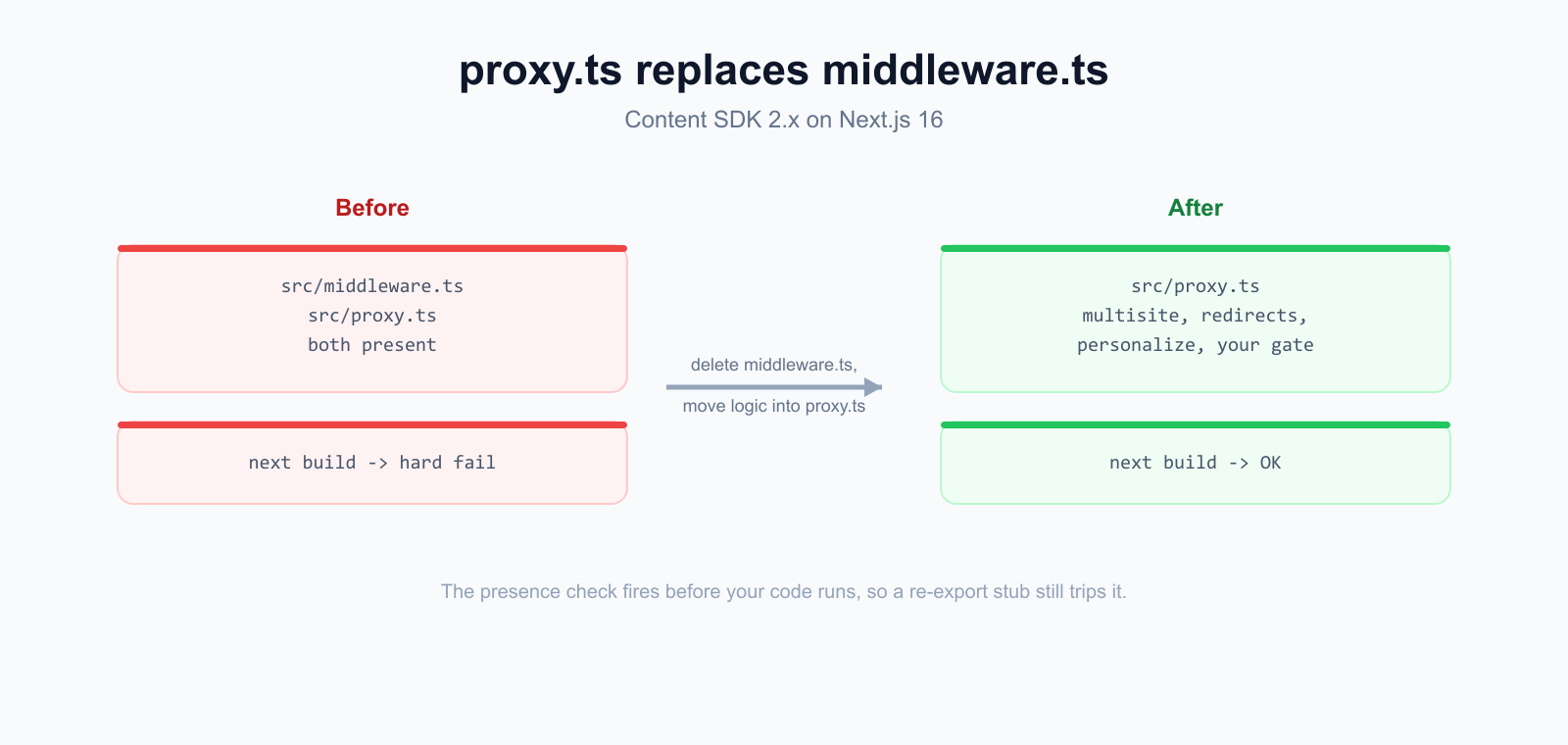
Content SDK 2.x moves the edge middleware entry point to src/proxy.ts. Multisite resolution, redirects, personalize, and the editing and preview gate all run there now. If you also keep a middleware.ts around, the build refuses to continue. Here is what failed, why, and the exact migration.
The build error
This is what you get when both files exist. It is short and it is fatal, so it is easy to miss if you scroll past a wall of npm output.
The build does not pick one and warn about the other. It stops. So if CI was green last week and is red now after a dependency bump, this is one of the first things to check.
Why the old re-export advice is stale
Some older guidance, including a few AGENTS.md notes I had carried forward, says to keep middleware.ts and just re-export your handler from proxy. That worked during the transition. It does not work now. The presence check fires before any of your code runs, so a re-export stub still trips it.
The fix is not to bridge the two files. It is to delete middleware.ts and move whatever lived in it into proxy.ts. The proxy runs in the same edge context with the same NextRequest, so the logic ports over almost verbatim.
Before: the old middleware.ts
Here is a trimmed version of a custom middleware. A small auth gate runs first, then the Sitecore proxies handle multisite, redirects, and personalize.
After: the same logic in proxy.ts
In Content SDK 2.x the same pieces come in as named proxies (MultisiteProxy, RedirectsProxy, PersonalizeProxy) wired together with defineProxy. Your custom logic goes at the top of the default export, exactly where it sat before. Same matcher, same request object. The rename is mechanical: Middleware becomes Proxy and defineMiddleware becomes defineProxy.
Then delete src/middleware.ts. That single deletion is what clears the build error. Everything else here is just relocating code you already had.
One trap if you gate a site: skip the Pages editor
If your moved-over logic is an auth or preview gate, it runs on every request, including the ones the Sitecore Pages editor makes when it loads your head app inside its iframe. If you do not let those through, the editor renders your login page in its content frame and authoring is broken on any protected host.
The bypass is a few signals, any one of which means the request came from the editor: a referer on a *.sitecorecloud.io origin, or one of the editor query params (sc_jss_token, sc_horizon, sc_mode set to edit or preview). Check it before your gate runs and return null to fall through to the proxy chain.
In my own gate I also check Sec-Fetch-Dest for iframe and a header the SDK sets on its internal editing-render fetch, because cross-origin iframes drop cookies and sometimes strip the referer. But the referer check and the sc_ params cover the common case and are the ones worth remembering.
Summary
- Content SDK 2.x on Next.js 16 uses src/proxy.ts as the edge middleware entry point, not src/middleware.ts.
- Keeping both files hard-fails next build. It stops the build, it is not a warning.
- The old advice to keep middleware.ts and re-export from proxy is stale and now breaks the build.
- Move your custom logic into proxy.ts and delete middleware.ts. The proxy runs in the same edge context with the same NextRequest.
- If you gate a site, skip requests from the Sitecore Pages editor (referer *.sitecorecloud.io, or sc_jss_token / sc_horizon / sc_mode) or authoring breaks.
None of this is much code. The whole fix is one deleted file and a relocated function. The reason it bites is that the failure mode changed from a soft warning to a hard stop, so guidance written a version or two ago points you straight at the thing that now breaks. Delete middleware.ts, move your logic, and you are done.
 Made in React Bricks